WhatsApp:+86 18005022363 WeChat: +86 18005022363
  Email:
Installation, Maintenance, and Full-Cycle Support:
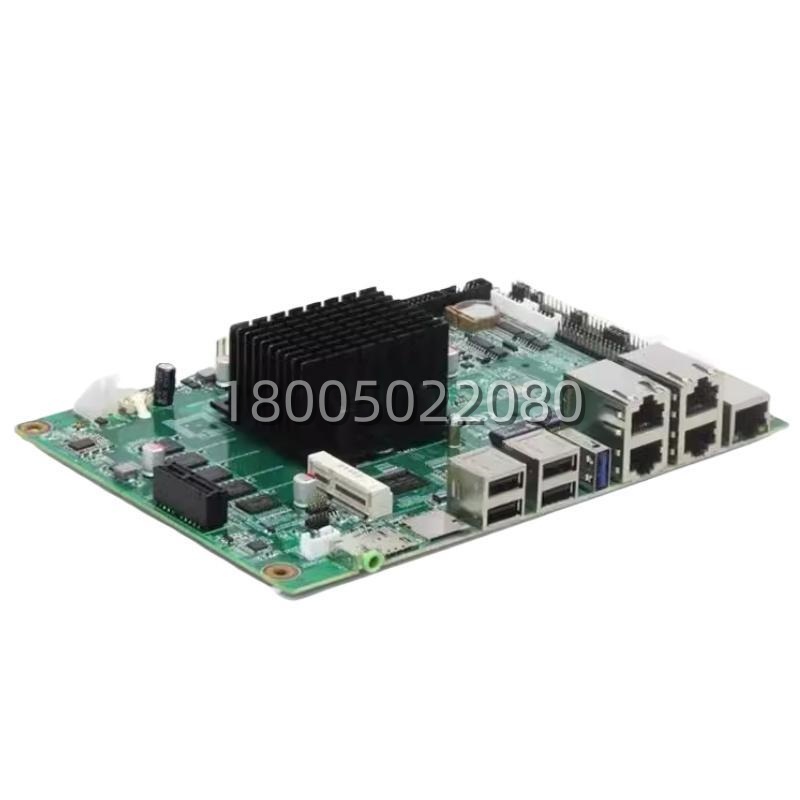
Installing the 07KP60R101 requires careful attention to network topology and grounding. First, ensure the rack power is off. Slide the 07KP60R101 into the designated communication slot on the Advant backplane until it locks securely. Connect the shielded twisted-pair cable to the terminal block, ensuring the shield is grounded at one end only to prevent ground loops. Set the baud rate switches on the front of the 07KP60R101 to match the rest of the MasterBus 300 network. Upon powering up, verify the “Run” and “Comm” LEDs; a steady green light indicates successful synchronization with the bus.
Maintenance for the 07KP60R101 is straightforward but vital for network health. Periodically inspect the terminal connections for tightness and check the LED status indicators for any flickering that might indicate packet errors or noise issues. Since the 07KP60R101 features galvanic isolation, it protects the system from surges, but regular visual inspections of the cabling shield integrity are recommended. In the event of a module failure, the design allows for quick replacement; simply unlock the unit, slide it out, and insert a new 07KP60R101. then download the configuration if not automatically synced from the redundant pair. Our technical team provides full-cycle support, assisting with network segmentation design, baud rate optimization, and troubleshooting complex MB300 faults to ensure your ABB 07KP60R101 operates at peak performance.